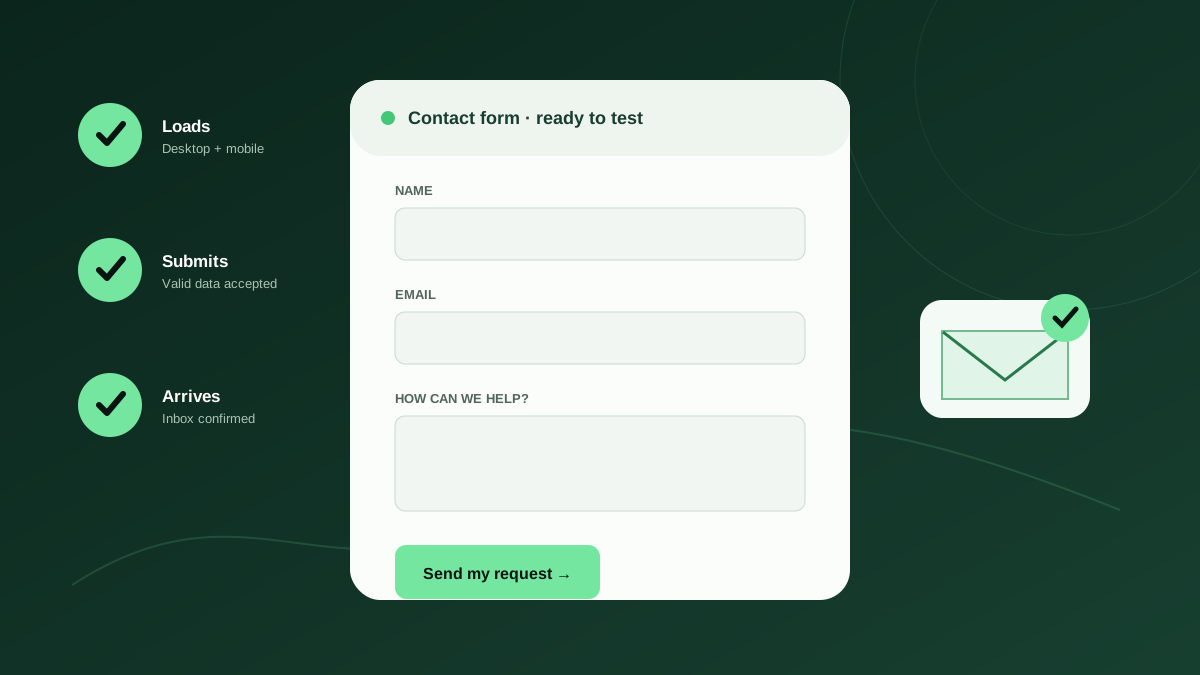
A contact form is often the shortest route between a potential customer and your team. It is also one of the easiest parts of a website to neglect. The page can look polished, the submit button can respond, and the visitor can even see a thank-you message while the actual inquiry never reaches your inbox or customer relationship management system.
This website contact form checklist is designed for owners, marketers, and operations teams who do not want to become web developers. It covers the complete journey—from loading the page to receiving and responding to the lead. Use it before launching a new site, after any website update, and as a recurring operating checklist.
Why “the form looks fine” is not a useful test
A website form is a chain of connected systems. The browser displays fields, front-end code validates entries, a server or third-party service processes the submission, spam controls decide whether to accept it, an email service sends a notification, and an inbox or CRM receives the result. A failure at any point can break the business outcome without breaking the page.
That distinction matters because a visual check only proves that the interface loaded. It does not prove that a real visitor can complete the form, that the server accepted the data, that notification rules ran, or that the message was delivered. A meaningful test follows the same path as a real prospect and confirms the result at the destination.
- Presentation: Can a visitor see and understand every field?
- Interaction: Can the visitor complete and submit the form on their device?
- Processing: Does the website accept valid data and reject invalid data clearly?
- Delivery: Does the inquiry reach the correct person, inbox, or CRM?
- Response: Does the visitor receive an accurate confirmation and next step?
1–5: Test the visitor experience first
Begin where your customer begins. Open the form in a private browser window so stored cookies, administrator sessions, and autofill do not hide problems. Repeat the test on a phone using a mobile network if possible. Many small-business inquiries happen after a prospect finds a company through maps, search, or social media on a mobile device.
Keep the form proportional to the promise. A request for a general callback rarely needs a mailing address, company revenue, budget, timeline, and detailed project brief. Every field should either help you respond or qualify the request in a way that materially changes the next step. Optional fields must be visibly optional rather than leaving visitors to guess.
Action checklist
- Load the form in a private window on desktop and mobile.
- Confirm every field has a visible, specific label—not placeholder text alone.
- Remove fields your team does not use during the first response.
- Check that keyboard focus follows a logical top-to-bottom order.
- Verify the submit button remains visible, readable, and easy to tap at 200% zoom.
6–9: Check validation without making people fight the form
Good validation helps people recover. Submit the form once with all required fields empty, once with a malformed email address, and once with realistic punctuation in names and messages. Errors should appear beside the relevant field, explain what needs to change, and remain available to assistive technology. A generic red border is not enough.
Do not make browser-side validation your only protection. OWASP recommends validating untrusted input as early as possible and applying both syntactic checks, such as whether an email resembles an email address, and semantic checks, such as whether a requested appointment date is actually available. Server-side validation is essential because browser checks can be bypassed.
Action checklist
- Submit the form empty and confirm every required field is identified in text.
- Test realistic names with accents, apostrophes, hyphens, and spaces.
- Enter a malformed email and verify the correction message is specific.
- Confirm a valid submission still works when browser autofill is used.
10–13: Verify submission, notification, and destination
Now run a complete test with a unique marker in the message, such as “TEST-2026-07-29-A.” Do not stop at the thank-you message. Find that exact marker in the receiving inbox, CRM, help desk, or spreadsheet. Confirm that every field arrived, the sender and reply-to addresses are useful, and the notification went to the current owner of the workflow.
Test more than the happy path. If two people should be notified, verify both destinations. If submissions create CRM records, confirm the source, campaign, consent, and requested service map to the right fields. If an autoresponder promises a response within one business day, make sure your team can consistently meet that expectation.
Action checklist
- Send a uniquely labelled test submission.
- Locate the same submission at its final destination.
- Check reply-to, subject line, routing, and every mapped field.
- Verify the visitor-facing confirmation and any autoresponder.
14–17: Test the conditions that usually cause silent failures
Forms often fail after a change elsewhere. A plugin update can alter markup, a new spam rule can reject legitimate messages, a domain migration can invalidate email authentication, and a departing employee can leave notifications pointing to an abandoned address. The highest-value tests are therefore the ones performed after ordinary business and website changes.
Spam protection deserves special attention. A CAPTCHA that is difficult to complete can reduce legitimate conversions, while an overly aggressive filter can accept the interface action but quarantine the inquiry. Submit from different devices and email domains, then inspect spam and quarantine folders. Never assume that “no spam” means the filter is perfectly calibrated.
Action checklist
- Test after website, plugin, theme, DNS, hosting, or email changes.
- Test spam controls using realistic messages from more than one email domain.
- Confirm the form behaves clearly during a slow or failed network request.
- Schedule a recurring end-to-end submission instead of relying on memory.
Measure starts, submissions, and confirmed leads
Analytics turns form maintenance into a business process. Google Analytics 4 can collect form_start and form_submit interactions through enhanced measurement. Compare starts with submissions to identify usability friction, but remember that a recorded browser event does not prove the inquiry reached your team. Analytics measures behaviour; an end-to-end delivery test measures operational success.
Use a small set of metrics that someone will actually review: form views, form starts, apparent submissions, confirmed delivered submissions, qualified leads, and response time. If apparent submissions rise while confirmed leads fall, investigate immediately. That gap can reveal broken routing, spam filtering, CRM integration failures, or misleading event configuration.
- Start rate = form starts divided by form views.
- Completion rate = apparent submissions divided by form starts.
- Delivery rate = confirmed delivered submissions divided by apparent submissions.
- Lead rate = qualified inquiries divided by confirmed delivered submissions.
- Response time = time from confirmed receipt to the first useful human reply.
Create a maintenance rhythm your team can sustain
A checklist is valuable only when it has an owner and a schedule. Assign one person to receive test results and one backup who understands the workflow. Document where each form sends data, who should be notified, what confirmation the visitor sees, and what a successful test looks like. Store that record with your website operations documentation.
For a low-volume general inquiry form, a weekly end-to-end check may be reasonable. High-value quote, booking, admissions, donation, or campaign forms deserve daily verification. Test immediately after meaningful changes. The goal is not to create more administration; it is to detect a revenue-impacting problem before a customer has to tell you.
- List every public form and its business owner.
- Record the destination, expected notification, and confirmation behaviour.
- Set a testing frequency based on traffic, lead value, and campaign activity.
- Define who investigates failures and how quickly they should respond.
- Review the inventory quarterly and retire forms nobody owns.
Your 15-minute monthly review
Once a month, review results rather than merely checking a box. Look for slow declines in completion rate, increases in spam rejection, repeated validation errors, or longer response times. Read a sample of real inquiries and ask whether the form collects what the team needs without placing unnecessary work on the prospect.
The most reliable contact form is not the one with the most technology. It is the one whose complete journey is simple, measurable, owned, and tested. If you can answer “yes” to all seventeen checks—and prove delivery at the destination—you have moved the form from a hopeful webpage element to a dependable business system.
Trusted resources
These external references informed the recommendations above and provide authoritative implementation detail.
- W3C Web Accessibility Initiative: Forms Tutorial
Practical guidance for labels, instructions, validation, and notifications.
- OWASP Input Validation Cheat Sheet
Security guidance for validating untrusted form input.
- Google Analytics: Generate more leads on your website
Official guidance on measuring form views, starts, and submissions.
Common questions
How often should a small business test its website contact form?
Test immediately after website or email changes and on a recurring schedule. Weekly may suit a low-volume contact form; daily is safer for high-value quote, booking, campaign, or sales forms.
Is seeing a thank-you message enough to prove a form works?
No. It proves only that the interface reached a success state. A complete test confirms that the exact submission arrived in the intended inbox, CRM, help desk, or database.
What is the most important contact form metric?
Track confirmed delivery rate alongside starts and apparent submissions. It connects the visitor action to the business outcome and exposes gaps that browser analytics alone cannot detect.